

Create, validate, and publish a run
Stage a run
Section titled “Stage a run”- Open a saved workflow and select Start run.
- Confirm the workflow revision and run name.
- Fill every required variable.
- Review all rendered nodes and transactions.
While the run is staged, you can replace its variable values and validate again.
Validate
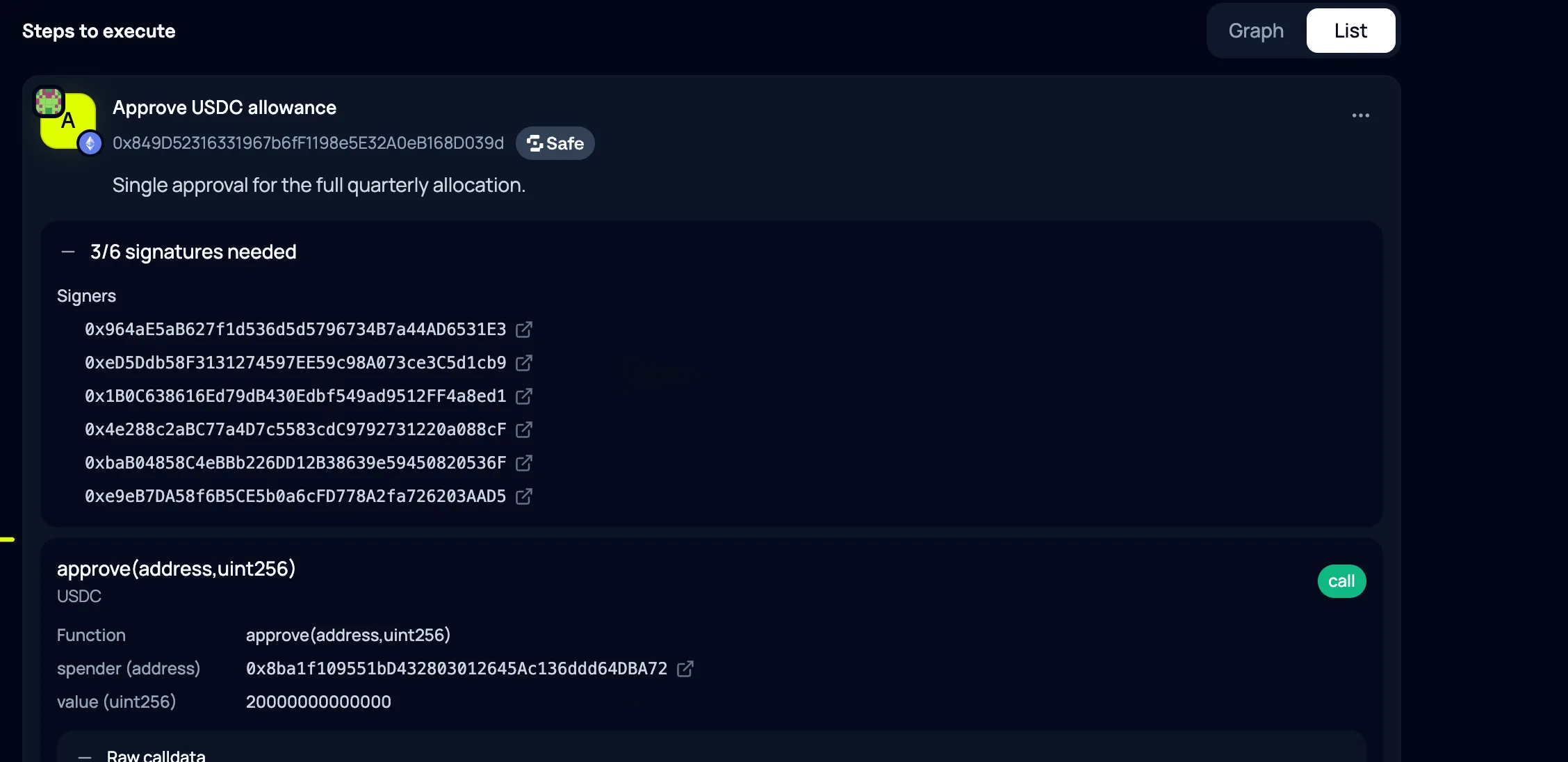
Section titled “Validate”Validation checks the frozen candidate against current organisation and chain context. Resolve every blocking issue and treat warnings as items requiring human review.
For each transaction, inspect:
- execution chain and account;
- target and native value;
- function and decoded arguments;
- transaction order; and
- signer or Safe requirements.
Publish
Section titled “Publish”Select Publish run only after the rendered plan is correct. Publication freezes variables and transactions. Nodes with no unmet dependencies become ready; others remain blocked or waiting.
If publication conflicts
Section titled “If publication conflicts”Refresh the run. Another action changed its version after your page loaded. Revalidate the current state instead of retrying a stale request.
If the frozen plan is wrong after publication, cancel and restart.